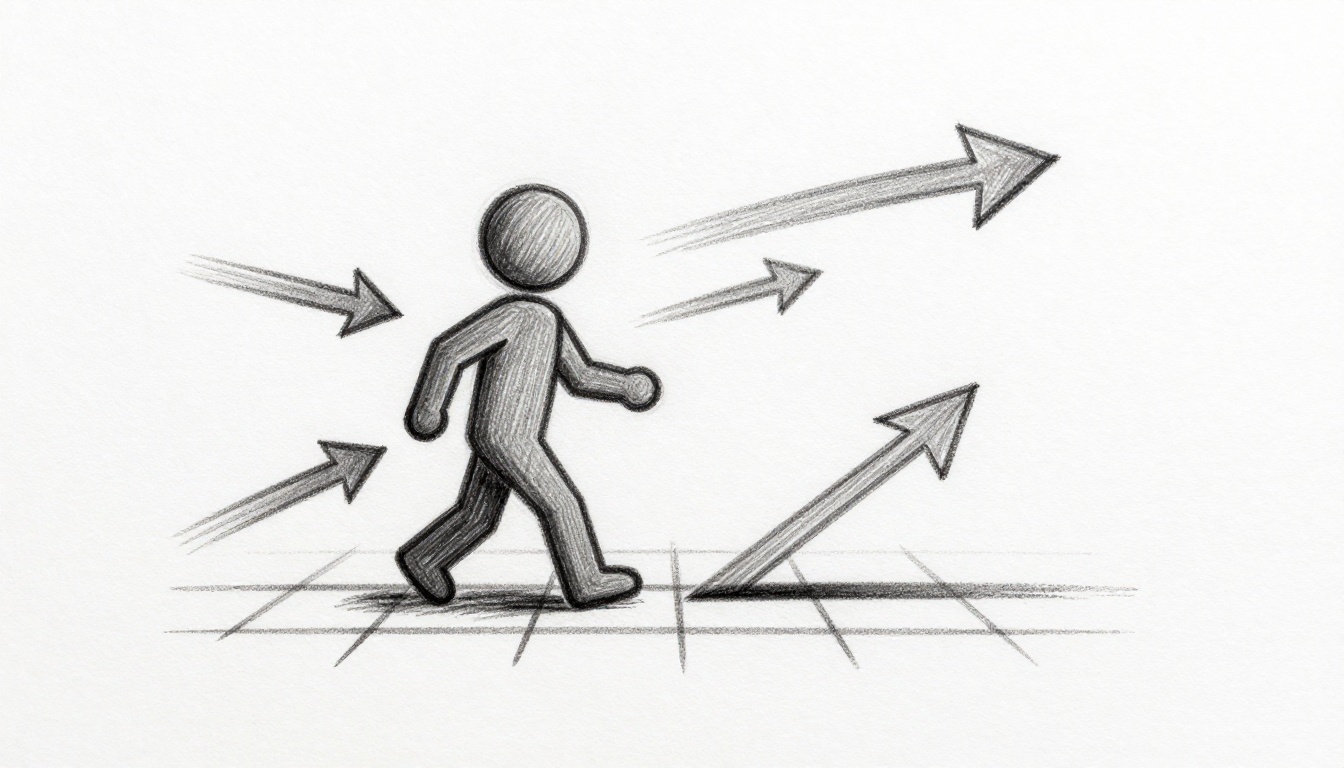
Ever coded a game where your character jerks around like it’s drunk? Pros make players glide smooth as butter. That’s vector math at work. It bundles direction and speed into one neat package.
You struggle with choppy walks or wonky diagonals. Separate x and y speeds cause that mess. Vectors fix it by treating movement as arrows with power and aim.
This guide shows you the basics. You’ll grasp key operations and code examples in 2D pseudocode. No math degree required. We start simple, build to game loops, then hit real projects. Ready to level up your indie game movement?
Picture Vectors as Superhero Arrows Guiding Your Player
Think of a vector like a superhero’s arrow. It points where to go and packs punch for speed. Games use these arrows for everything from walks to jumps.
Position vectors mark your spot on screen. Say your player sits at (100, 200). That’s x right, y down. Velocity vectors push change each frame. A velocity of (5, 0) slides right five pixels.
In 2D games, vectors pair x and y numbers. Magnitude tells total speed. Direction sets the angle. No equations yet. Just feel it: longer arrow means faster zip.
This setup shines in platformers or top-down adventures. Players move natural because vectors handle tilt and thrust together.
Spotting the Difference: Position vs Velocity Vectors
Position says “here I am.” Velocity shouts “head this way, quick!” Your sprite starts at position vector P = (px, py). Velocity V = (vx, vy).
Each frame, add velocity to position. New spot becomes P + V * time slice. That keeps motion steady across computers.
Here’s quick pseudocode:
position.x += velocity.x * deltaTime
position.y += velocity.y * deltaTime
Position stays put without velocity. Velocity alone spins wheels in place. Together, they drive your player forward.
2D Vectors: Your Starting Point for Most Indie Games
Most beginners stick to 2D. Vectors here mean (x, y) pairs. Platformers like Celeste use them for jumps. Top-down like Zelda nail 360 turns.
Points and vectors blur lines. A point (3,4) acts like vector from origin. Normalize confusion: points locate, vectors move.
Start 2D because 3D adds z pain later. Master x,y first. Your indie hit waits.

Master These Four Vector Tricks for Dynamic Movement
Vectors shine through ops like add, scale, normalize. Each powers player tricks. We tie them to code. Keep math light; steps rule.
Addition blends forces. Subtraction finds offsets. Scaling tweaks pace. Normalization evens directions. These build dashes, pushes, drifts.
Before examples, note: vectors as pairs. Op on x with x, y with y. Simple.
Adding Vectors to Blend Player Input and Physics
Player taps keys for direction vector D. Add gravity G = (0, 9.8). Total velocity V = D + G.
Diagonals speed up without fix. Normalize first. Example: forward (1,0) plus jump impulse (0,-10). Result tilts up-right.
Pseudocode:
inputVec = getInputDirection()  // e.g., (0.7, 0.7) from keys
inputVec.normalize()
velocity = inputVec * speed + gravity * deltaTime
Blends feel real, like wind nudges.
Scaling Vectors to Dial In Perfect Speeds
Multiply vector by number for scale. Double length doubles speed. V * 2.5 ramps run.
Acceleration? Scale up over time. Start slow, build. Run cycle: velocity *= 1.1 each frame till cap.
Example: dash bursts V * 3 briefly. Smooths without snaps.
velocity = direction * (baseSpeed + accel * time)
Dials exact feel.
Normalizing for Fair Movement in Any Direction
Fast diagonals cheat because (1,1) magnitude sqrt(2). Normalize sets length 1. Then scale by speed.
Steps: divide each component by magnitude. Mag = sqrt(xx + yy). Unit = (x/mag, y/mag).
No trig needed. Fixes bug in one line.
if (mag > 0) {
  direction.x /= mag
  direction.y /= mag
}
velocity = direction * speed
Every angle same pace now.
Dot Product Sneak Peek: Checking Straight-On Collisions
Dot multiplies components, sums. V1 • V2 = x1x2 + y1y2. High positive means same direction.
Enemy faces player? Dot their forward with to-player vector. Over zero? Charge.
Light intro: skip if new. Powers later checks.
Put Vectors to Work: Calculate Player Position Updates
Core loop grabs input, builds velocity, shifts position. DeltaTime scales for frame rates. Vectors beat lone x,y hacks.
Friction damps: scale velocity toward zero. Or lerp to target.
Pseudocode game loop:
function update(deltaTime) {
  direction = getInput()  // unit vector
  targetVel = direction * maxSpeed
  velocity = lerp(velocity, targetVel, friction * deltaTime)
  position += velocity * deltaTime
}
Smooth across devices. Why vectors? One structure handles all.
From Keyboard Input to Smooth WASD Walking
Keys give (1,0) right, etc. Diagonals (1,1), normalize. No input? Zero vector stops.
if (right) dx += 1
if (left) dx -= 1
if (down) dy += 1
if (up) dy -= 1
if (dx || dy) {
  mag = sqrt(dx*dx + dy*dy)
  dx /= mag; dy /= mag
  velocity = vec(dx, dy) * speed
} else {
  velocity = vec(0,0)
}
Crisp walks.
Mouse-Driven Movement: Point and Go
Vector from player to mouse: (mx-px, my-py). Normalize, scale. Rotate sprite with atan2(vel.y, vel.x).
Faces target natural.
Adding Gravity and Jumps Without Breaking Stride
Gravity adds (0, 500 * deltaTime) to velocity yearly. Jump: velocity.y -= jumpForce.
Ground check resets y vel to zero. Arcs perfect.
Real Game Examples That Bring Vector Math Alive
Copy these into Godot, Unity, or p5.js. Tweak for fun.
Top-down: WASD input normalized, mouse atan2 rotates.
Platformer: gravity vel, jump impulse, ground friction scales vel.x * 0.8.
Spaceship: thrust vec from angle, add to vel.
Polish: air control scales less. Experiment.
Top-Down Adventure: Perfect 360 Degree Freedom
angle = atan2(mouseY - py, mouseX - px)
sprite.rotation = angle
dir = vec(cos(angle), sin(angle))
vel += dir * thrust * dt
pos += vel * dt
vel *= drag * dt  // space friction
Full circle bliss.
Platformer Hero: Jump Arcs and Wall Slides
vel.y += gravity * dt
if (jumpPressed && onGround) vel.y = -jumpSpeed
if (onGround) vel.x *= 0.9  // friction
else vel.x *= 0.99  // air resist
if (wallSlide) vel.x = approach(vel.x, 0, slideDrag * dt)
Buttery jumps.

Dodge These Vector Traps to Keep Movement Pixel-Perfect
Forget deltaTime? Fast PCs blur ahead. Normalize diagonals or speed hacks. Pixels vs meters mix scales.
Clamp vel magnitude. Libs like Vector2 save time. Angles for rotation, vectors for move.
Fixing the Infamous Diagonal Speed Boost
Always normalize input sum before scale. See adding section code.
Smoothing Choppy Movement Across Devices
Multiply by deltaTime always. Fixed timestep loops for physics.
Pro tip: cap deltaTime at 1/30 for spikes.
Vectors pack direction and speed. You code smooth now. Grab that WASD example, test in your engine.
Share your clips in comments. What game you building? Subscribe for more dev tips. Pros all started bumpy. You got this.