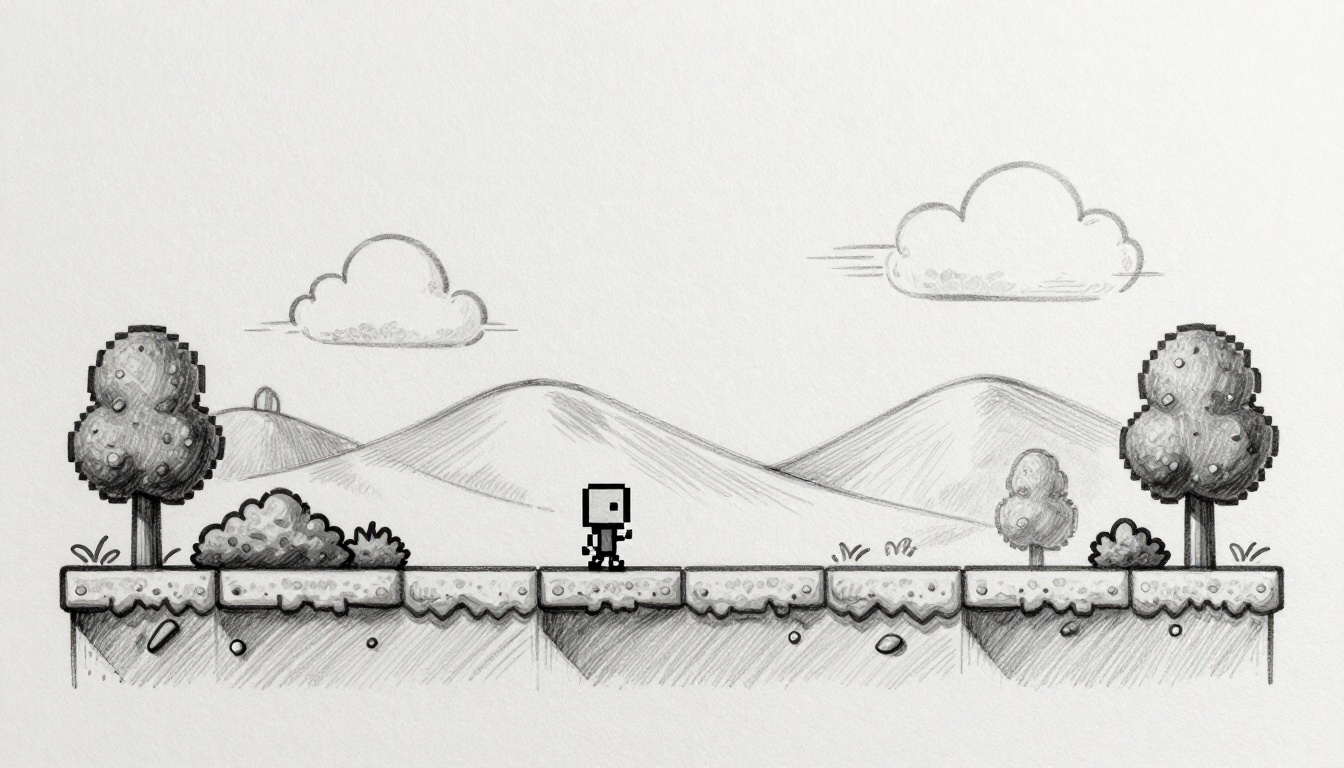
Picture this. You boot up a side-scroller with a flat background. Everything scrolls at the same speed. It feels lifeless, right? Now swap that for a classic like Super Mario. Distant clouds drift slow. Bushes rush by fast. The world pops with depth.
Parallax scrolling fixes flat games. It moves background layers at different speeds. This tricks the eye into seeing 3D in a 2D space. Players stick around longer because it grabs attention. Best part? You can add it fast, even as a beginner. No need for complex 3D tools.
This guide walks you through it step by step. You’ll grasp the basics, set up a canvas, build layers, code the effect, and fix issues. Grab your code editor and some images. Let’s make your side-scroller feel alive.
Understand Parallax Basics to Nail the Depth Effect
Parallax mimics real life. Think of a car ride. Distant hills creep by slow. Close trees whip past quick. Your brain reads depth from speed differences.
In side-scrollers, it works the same. The camera pans over a world. Layers shift based on “distance.” Far layers move slowest. Near ones go fastest. This sells illusion without extra dimensions.
Most games use 3 to 5 layers. That keeps it simple yet effective. The math stays basic. Set speed as base_speed times (1 minus distance_factor). A far layer might use 0.1 factor. A near one hits 0.8. Test ratios until it clicks.
Start with player speed at 1x. Then scale others down. Far background at 0.2x feels still. Midground at 0.5x adds motion without chaos.
Choose Layer Speeds That Feel Natural
Pick speeds that match real vision. Background runs at 0.2x player speed. Midground hits 0.5x. Foreground matches or exceeds 1x.
Test with a thumbs-up check. Does the far stuff look mostly still? Good. Games like Rayman nail this. Ori uses subtle shifts for magic.
Too many layers confuse eyes. Stick to four max at first. Here’s a quick speed guide:
| Layer Type | Speed Ratio | Example Effect |
|---|---|---|
| Background | 0.2x | Slow sky or mountains |
| Midground | 0.5x | Hills or distant trees |
| Foreground | 0.8-1x | Bushes or platforms |
| Player Layer | 1x | Full speed match |
Adjust based on feel. Playtest often.
Plan Your Layers: Sky, Mountains, Trees, and More
Map layers before coding. Start with sky at 0x speed. It stays static. Distant mountains creep at 0.1x. Hills roll by at 0.3x.
Trees or buildings hit 0.6x. Ground details like grass move at 0.9x. This builds natural progression.
Art tips matter. Use seamless tiles that loop clean. Make images twice your screen width. Vary opacity on air layers for haze. Wide assets prevent jumps.
Sketch your scene first. Sky, then peaks, forests, details. Order draws from back to front.
Set Up a Simple Canvas for Your Parallax Side-Scroller
HTML5 Canvas works great. It’s free and runs everywhere. No engine needed yet, though Phaser.js speeds things up later.
Create a basic setup. Add a canvas to HTML. Size it full screen. Then hook JavaScript.
Here’s the starter code:
<!DOCTYPE html>
<html>
<head>
    <title>Parallax Side-Scroller</title>
    <style> body { margin: 0; } canvas { display: block; } </style>
</head>
<body>
    <canvas id="gameCanvas"></canvas>
    <script>
        const canvas = document.getElementById('gameCanvas');
        const ctx = canvas.getContext('2d');
        canvas.width = window.innerWidth;
        canvas.height = window.innerHeight;

        let camera = { x: 0 };
        let player = { x: 100, y: 300, width: 50, height: 50 };

        function gameLoop() {
            ctx.clearRect(0, 0, canvas.width, canvas.height);
            update();
            draw();
            requestAnimationFrame(gameLoop);
        }

        function update() {
            // Player and camera logic here
        }

        function draw() {
            // Layers draw here
        }

        gameLoop();
    </script>
</body>
</html>
This gives a blank scrolling base. Clear each frame. Use requestAnimationFrame for smooth 60fps.
Resize on window change. Add that next.
Link Player Movement to Camera Scroll
Tie camera to player. Smooth follow keeps action centered.
Update like this:
// In update()
const targetX = player.x - canvas.width / 2 + player.width / 2;
camera.x += (targetX - camera.x) * 0.1;

// Bounds
camera.x = Math.max(0, Math.min(worldWidth - canvas.width, camera.x));

// Player input
document.addEventListener('keydown', (e) => {
    if (e.key === 'ArrowRight') player.x += 5;
    if (e.key === 'ArrowLeft') player.x -= 5;
});
Player arrows move right or left. Camera lags a bit for polish. Clamp bounds stop over-scroll. WorldWidth sets your level size, say 2000.
Draw player as rect for now:
// In draw()
ctx.fillStyle = 'blue';
ctx.fillRect(player.x - camera.x, player.y, player.width, player.height);
Screen scrolls now. Time for layers.
Build and Animate Layers for Jaw-Dropping Depth
Load images first. Create an array of layers. Each has image, speed, and height.
Prep like:
const layers = [
    { img: new Image(), speed: 0.2, height: canvas.height * 0.6, src: 'bg-sky.png' },
    { img: new Image(), speed: 0.5, height: canvas.height * 0.4, src: 'bg-mountains.png' }
    // Add more
];

layers.forEach(layer => {
    layer.img.onload = () => { /* ready */ };
    layer.img.src = layer.src;
});
In draw loop, render back to front. Calc position with camera.
layers.forEach(layer => {
    const x = -(camera.x * layer.speed) % layer.img.width;
    ctx.drawImage(layer.img, x, layer.height - layer.img.height);
    ctx.drawImage(layer.img, x + layer.img.width, layer.height - layer.img.height);
});
Modulo wraps for loop. Double draw covers gaps.
Player draws last. Depth emerges.
Make Layers Loop Perfectly Without Gaps or Jumps
Infinite scroll needs modulo math. Set x = -((camera.x * speed) % layerWidth).
If x plus width offscreen, draw second copy at x + width.
Overlaps fix seams. Add 1-2 pixels extra draw.
Common fix:
let x = (camera.x * layer.speed) % layer.img.width;
x = x - layer.img.width;  // Negative for left scroll
const times = Math.ceil((canvas.width - x) / layer.img.width);
for (let i = 0; i < times + 1; i++) {
    ctx.drawImage(layer.img, x + i * layer.img.width, y);
}
Loop draws as needed. Smooth forever.
Add Foreground Elements Like Clouds or Platforms
Foregrounds sit atop. Clouds at 1.2x speed float free.
Use globalAlpha for mist:
ctx.save();
ctx.globalAlpha = 0.7;
ctx.drawImage(cloudImg, cloudX - camera.x * 1.2, cloudY);
ctx.restore();
Platforms and enemies match player speed. Draw after backgrounds. Add leaves at random speeds between 0.9x and 1.1x.
Player stays sharp at 1x.
Optimize and Troubleshoot for Buttery-Smooth Parallax
Performance counts. Preload all images. Await onload before gameLoop.
Limit layers to five. Offscreen canvas helps heavy draws.
Lock 60fps. Use delta time for speed:
let lastTime = 0;
function update(dt) {
    // Speeds *= dt / (1000/60)
}
function gameLoop(time) {
    const dt = time - lastTime;
    lastTime = time;
    // ...
}
Test mobile. Reduce resolution if lag hits.
Debug jitter with fixed timestep. Tweak speeds if depth flops.
Quick Fixes for Top Parallax Problems
Hit snags? Check these:
Images fail to load. Hook onload and error events.
Choppy animation. Force 60fps with timestamp.
Depth off. Reference the speed table.
Memory leaks. Null old images on resize.
Mobile issues. Add touch events for arrows.
Benchmarks show 5 layers fly on most devices.
Wrap Up Your Parallax Side-Scroller
You started with basics. Speeds layered right. Canvas scrolled smooth. Code looped endless. Tweaks fixed hitches.
Now your game breathes depth. Build that first parallax demo in under an hour. Players notice polish.
Share it on itch.io. Tweak speeds for your world. Play with hues next.
Experiment more. Particle effects come soon. Game dev magic happens one layer at a time.
(Word count: 1487)