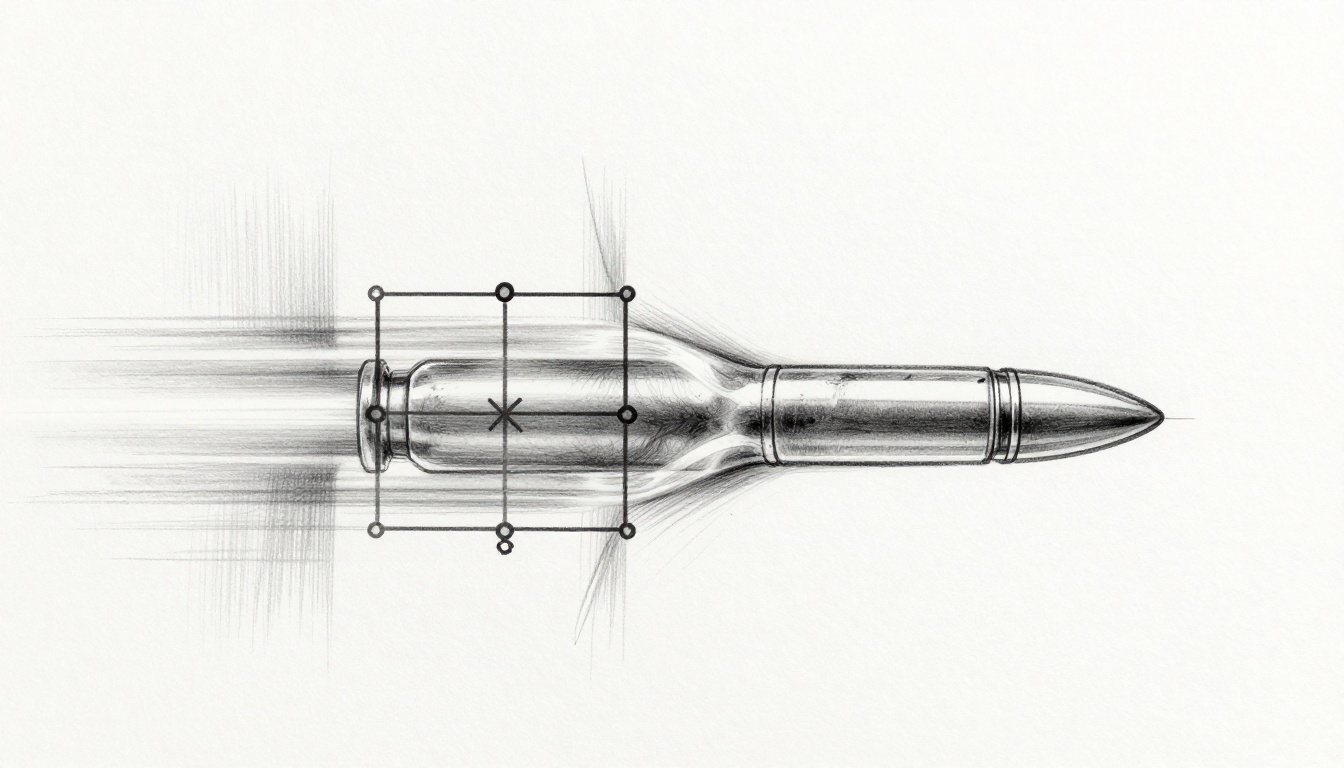
Picture this: you’re testing your shooter game. A bullet screams across the screen at top speed. It should smack into the wall. Instead, it zips right through like a ghost. Players rage quit because the physics feel broken.
Collision detection checks if objects in your game bump or overlap. In fast-paced physics engines, high speeds and tiny time steps cause misses. You see frustrating errors that kill immersion. This guide shows you how to spot, debug, and fix them with practical steps.
We’ll cover common failure types first. Then grab debug tools. Next, follow a clear workflow. Finally, learn prevention tips for solid physics.
Recognize the Usual Suspects in Collision Failures
Fast objects often dodge checks in physics setups. Think of a soccer ball rocketing past the net without touching it. These errors stem from velocity, small sizes, or timing gaps. Spot them early to save hours.
Symptoms include objects ignoring walls or bouncing wrong. Triggers hit when speeds exceed frame rates. Quick tests confirm issues before deep dives.
Tunneling: When Fast Objects Slip Right Through
Tunneling happens when items move too fast between checks. They jump over solids entirely. Bullets, projectiles, or cars at max speed suffer most.
You spot it by ghosts phasing through barriers. Players notice unfair hits or escapes. Run a basic test: crank speed high and watch paths.
Slow the scene. Does the object skip the collider? That’s tunneling. Discrete detection samples points; fast motion skips gaps.
Sticking and Jitter: Objects That Cling or Shake
Sticking glues objects together after bumps. Jitter makes them shake or bounce wildly. Both come from rapid repeats or poor friction models.
Characters slide on walls or vibrate in place. Players complain about jerky controls. Pause frame by frame to inspect.
Watch contacts build up. Does friction fight resolution? High speeds amplify these quirks because collisions stack fast.
Ghost Collisions: Hits That Never Register
False negatives miss light touches or edge grazes. Timing or shape mismatches cause them. Racing games show cars clipping corners unseen.
Unlike tunneling, objects stay near but ignore events. Visualize overlaps to confirm. Edges fail due to broad-phase skips.
Differentiate by proximity: touches happen, yet no callback fires. Test with larger shapes first.
Stock Your Toolkit with Must-Have Debug Helpers
Grab tools that reveal hidden physics without big changes. Most engines like Unity or Godot offer built-ins. Custom setups use simple scripts.
Visual aids show shapes in action. Logs capture data. Profilers catch performance ties. Start here for quick wins.
Visualize Collisions to See the Invisible Action
Debug draws paint colliders, rays, and contacts. Unity Gizmos or Box2D render make shapes glow. Slow time or pause to study fast events.
See rays sweep paths. Contacts light up on hit. This uncovers misses at a glance.
Turn it on during playtests. Adjust colors for layers. You’ll spot overlaps ignored by code.
Log Collision Data for Deep Dives
Print velocities, positions, and points at events. Console or files work fine. Filter to collision callbacks only; fast sims spam otherwise.
Add timestamps. Compare pre and post collision states. Spot velocity spikes or position jumps.
Export to spreadsheets for patterns. High speeds show delta times too large.
Profilers and Slow-Mo for Speed Demons
Frame profilers flag lag that widens time steps. Slow-motion lets you eye high-speed clashes frame by frame.
Engines have time scale sliders. Plugins add traces. Tweak in real time.
Link spikes to misses. Reduce load, then retest collisions.
Follow This Proven Workflow to Squash Collision Bugs
Use this step-by-step process for any fast engine glitch. It builds from isolation to polish. Iterate as needed for tough cases.
Each step includes checks. Reproduce reliably first. Verify fixes last.
Reproduce the Bug in a Controlled Setup
Isolate in a minimal scene. Strip extras like particles or AI. Use fixed random seeds for consistency.
Set speeds constant. Record inputs with replays. Slow motion from start.
Test on one device. Note frame rate and steps. Reliable repros speed everything.
Trace the Collision Math Step by Step
Check time steps against max velocity. Use swept AABB or continuous detection (CCD) formulas.
Example: object at 100 units per second, 1/60 time step. Distance per frame: about 1.67 units. If collider thinner, it tunnels.
Toggle discrete to continuous. Log broad-phase pairs. Isolate the failed pair.
Math check: velocity * delta_t > collider size? Enable substeps.
Test Fixes and Verify Across Speeds
Apply CCD or substeps for speedsters. Ramp velocities low to high. Check multiplayer sync if online.
Run stress suites: 10x speeds, crowds. Verify no regressions elsewhere.
Clean up: remove debug logs, optimize costs. Polish feels right.
- Patch the root: substep if tunneling.
- Retest full range.
- Profile impact.
Lock Down Future Wins with Smart Prevention Moves
Build robust physics from design phase. Choose scales and rates that suit speed. Confidence comes from habits.
Focus on time management and shapes. These cut bugs before they spawn.
Tune Time Steps and Detection Modes Right
Fixed steps beat variable for consistency. Cap delta at 1/120 second. Enable continuous for fast movers.
Perf hit? Substep selectively on projectiles. Balance with profiler data.
Test extremes early. Reliability trumps raw speed.
Design Shapes and Speeds to Play Nice
Use capsule over box for characters; less sticking. Cap top speeds below tunnel thresholds.
Layer colliders: triggers for events, solids for blocks. Shooter games cap bullets; racers bevel edges.
- Speed caps: Limit to 2x frame distance.
- Chamfer shapes: Round edges cut ghosts.
- Scale wisely: Units match time steps.
These choices make engines forgive small slips.
Debugging collision errors boosts your games. Spot tunneling, jitter, or ghosts fast with visuals and logs. Follow the workflow, then prevent repeats through smart tuning.
Try slow-mo on your next bug today. It reveals secrets instantly. Share your toughest collision story in the comments. What fix worked best for you?