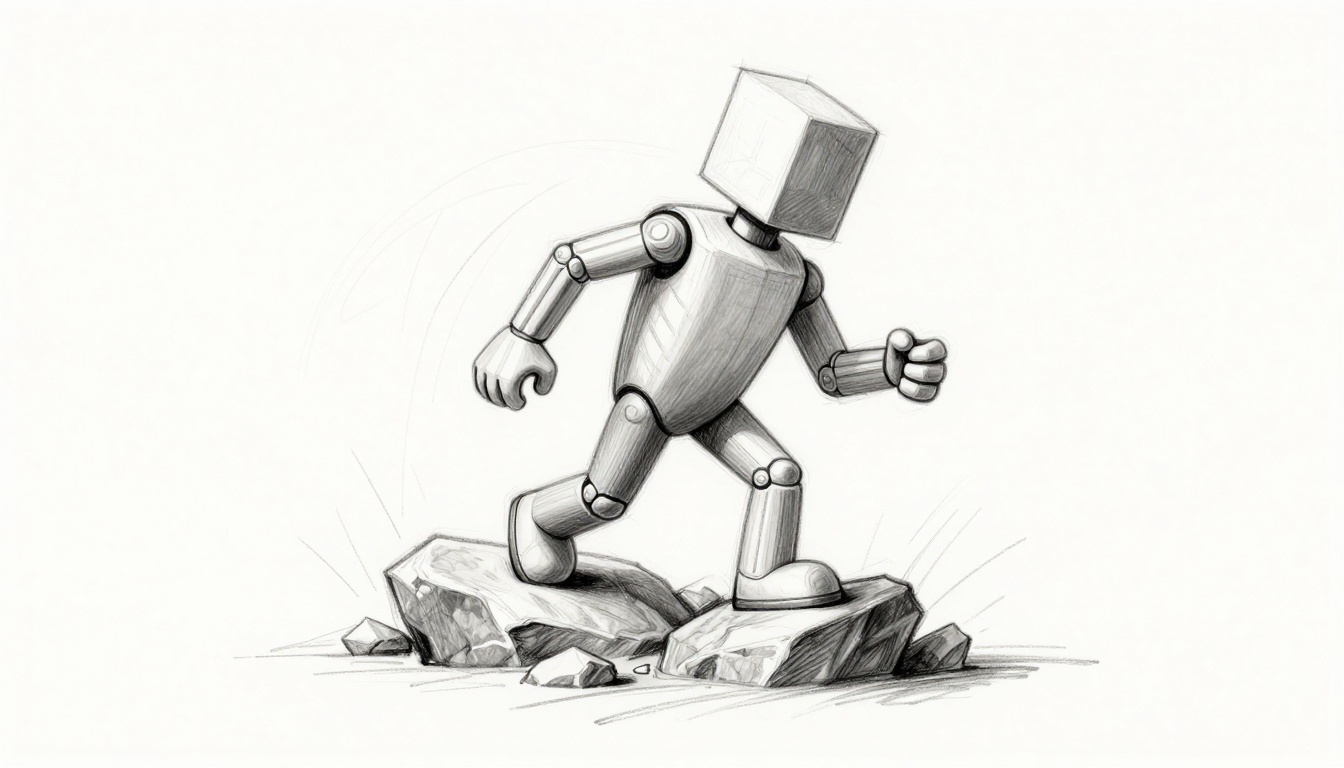
Picture this. Your game character stomps across a rocky path like a stiff robot. Feet slide unnaturally. Hands float near objects. Then you add inverse kinematics. Suddenly, those legs hug the ground. Fingers grip props tight. Games like The Last of Us nail this fluid motion.
Inverse kinematics, or IK, works simply. You set a foot or hand where it needs to go. Software calculates joint angles backward from there. No more frame-by-frame tweaks. Characters adapt to terrain or interact smoothly. You save time and boost realism.
This guide walks you through it all. You’ll compare IK to forward kinematics. Build setups in tools like Unity or Blender. Follow steps for legs and arms. Fix common glitches. Get pro results fast, even as a beginner.
Why Inverse Kinematics Delivers More Realistic Movements Than Forward Kinematics
Forward kinematics starts at the root bone. You rotate hips or shoulders first. Then elbows and knees follow outward. It feels rigid, like posing a puppet joint by joint. Every tweak affects the whole chain. Change one pose? Redo everything downstream.
IK flips that. You grab the end, like a foot. Software solves angles back to the root. Joints adjust naturally. Think of pulling a chain of paperclips taut. The links bend right without you forcing each one.
Because of this, IK handles dynamic scenes better. Characters walk up stairs without knees locking. They climb walls with proper limb extension. AAA games use it everywhere. From Uncharted’s ledge grabs to God of War’s weapon swings.
Spot the Key Differences with Real Examples
Consider a punch. Forward kinematics swings a straight arm from the shoulder. It looks mechanical. Inverse kinematics wraps around a pole. Elbows bend, wrist twists to fit.
Now stairs. With FK, feet clip steps. Knees stay fixed. IK plants toes firm. Hips shift. Calves flex. The chain pulls from foot up, so motion flows human-like.
Imagine chain links. FK pushes from the top link. It buckles. IK pulls from the bottom. Tension straightens the path. No math needed. Just see the difference in playtests.
When IK Shines Brightest in Character Animations
Slopes challenge walks. Feet slide back without IK. It plants them solid via raycasts to ground.
Hands often float near items. IK snaps fingers to handles. No keyframe fiddling.
Unity’s Animator offers built-in IK passes. Blender uses constraints. Both let feet lock and hands reach. You’ll set these up soon. Expect hype-worthy results in your next animation.
Build a Solid IK Foundation: Bones, Targets, and Chains
Start with bones. They form a hierarchy, like a skeleton chain. Root at hip or shoulder. Ends at foot or hand.
The end effector is key. That’s the tip bone, say ankle. You move it to match reality.
Targets guide it. Place an empty object where the foot lands. IK solver pulls bones to hit there.
Pole targets control twists. They point knees forward. Without them, limbs flop sideways.
Chains stay short for stability. Three to four bones work best. Legs: hip, knee, ankle, toe. Start with humanoid rigs. They match standard setups.
Use a puppet arm analogy. FK twists each segment. IK grabs the hand. Elbow follows naturally.
Pick and Prep Your Bones for IK Magic
Select clean chains. For legs, thigh to calf to foot. Skip toes first.
Arms run upper arm, forearm, hand.
Check hierarchy. Parents link right. No stray influences.
Weights matter later. They blend bone pulls on mesh. Keep them even now.
Test pose mode. Bend joints free. Prep avoids solver fails.
Set Up Targets and Poles for Precise Control
Add an empty game object. Name it FootTarget. Position it under the scene floor.
Link via IK constraint on the ankle. Set target there.
For poles, add PoleTarget ahead of the knee. Aim it forward. Solver aligns the bend.
Use falloffs. At distance, IK fades. Blends to baked animation.
Snap targets to motion. Animate them slight for climbs.
Step-by-Step: Rig Legs and Arms for Lifelike Action
Open your rig in Unity or Blender. Bake a base walk cycle first. Then layer IK.
Focus legs next. Test in play mode. Tweak as you go.
Arms follow similar. Grip tests sell the realism.
Create Ground-Hugging Feet That Stick the Landing
- Select the ankle bone.
- Add IK constraint or goal. In Unity, use Animation Rigging package.
- Set effector to foot. Create a ground raycast target. It drops from hips down.
- Adjust pole target forward 1-2 units. Knee points right.
- Set hip influence to 0.5. Lets root motion breathe.
- Play run cycle. Feet stick on rocks. Hips roll natural.
For uneven terrain, raycast farther. Bend limits keep knees sane.
Make Hands Grab and Hold Objects Naturally
- Target hand bone to prop, like a sword.
- Add look-at for palm rotation. Aims wrist up.
- Blend fingers secondary. Scale targets per digit.
- Set weights: 1.0 on stride frames, 0 on poses.
- Test door pull. Hand twists, elbow folds.
Rotation snaps via quaternion slerp. Fingers curl via curves.
Blend and Tweak for Pro-Polished Movements
Pure IK locks poses. Blend with FK for style. Animators switch ratios live.
Limits prevent breaks. Cap knee bends at 170 degrees.
Solvers vary. CCD iterates angles fast. FABRIK stretches chains true.
For games, cap iterations at 10. Keeps FPS high.
Master Blending to Mix Control and Realism
Use layers. Base animation FK. IK pass overrides goals.
Curves control blend. Ramp IK up mid-stride. Drop to FK on jumps.
Example: Walk uses 80% IK feet. Kick peaks at 0% for snap.
Preview blends. Smooth curves avoid pops.
Dodge Twists and Snaps with Smart Limits
Clamp rotations. Knees forward only.
Pole angles fix elbow flips. Nudge 10 degrees off.
Add damping. Solvers settle slow, no jitter.
Test extremes. Full stretch snaps back soft.
Quick Fixes for the Most Annoying IK Problems
Fast moves jitter. Over-stretched limbs flop. Physics ignores goals.
Boost iterations to 20. Smooths solves.
Spring bones add bounce. Ragdoll blends on falls.
Sometimes FK wins. Stylized cartoons skip IK.
Experiment per rig. Save presets.
Stop Jitter and Flips in Their Tracks
Low iterations cause shakes. Crank them up.
Bad poles flip elbows. Reposition ahead, aligned.
In Unity, tweak delta time scales. Blender, up constraint power.
Raycast misses? Extend distance. Filter colliders.
Pro tip: Bake IK to clips. Exports clean.
Your characters now stride real. Feet plant firm. Hands clutch props. Keyframing drops huge.
Rig one leg today. Watch slides vanish.
Next, try full-body IK or mocap blends. Share your tests in comments. What glitch bit you first?
Subscribe for animation tips. Build immersive worlds players love.