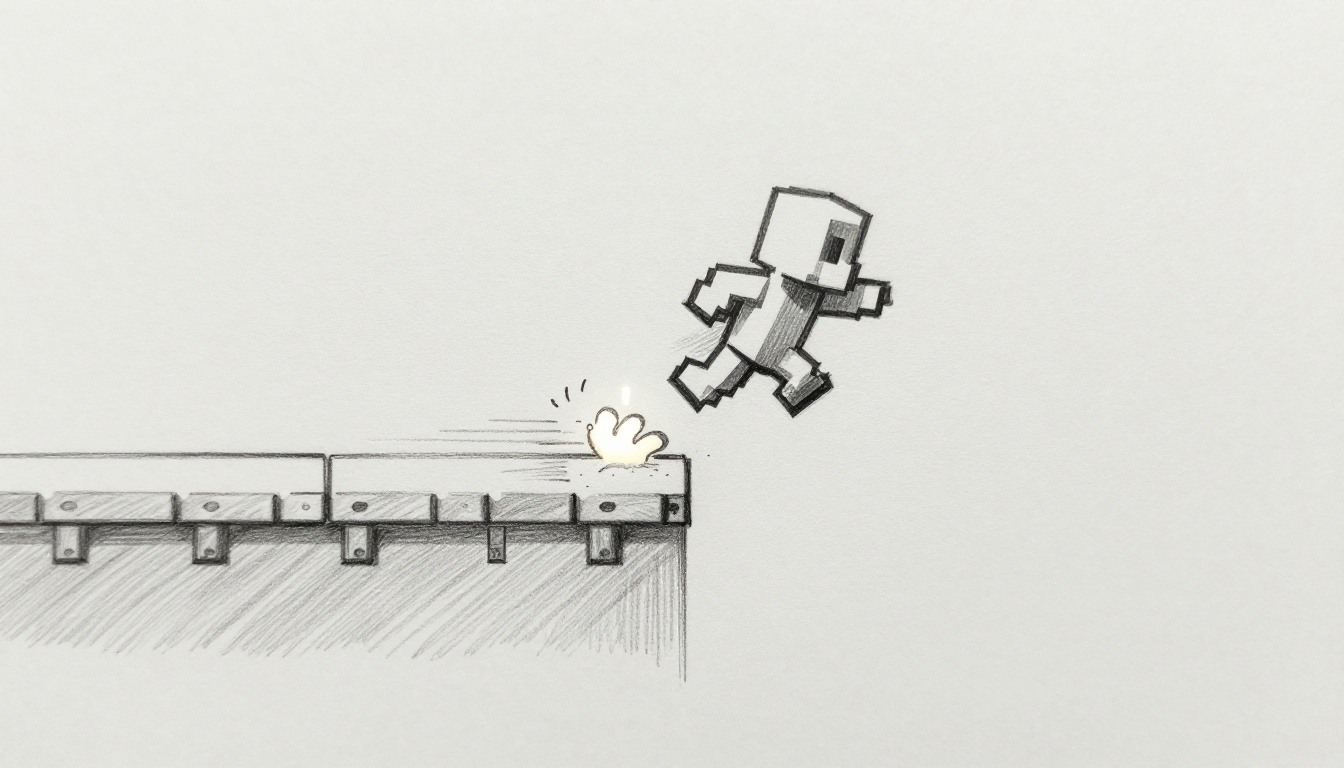
You jump in a platformer game. Your character lands with a solid thud and a quick screen shake. That tiny response makes the whole move feel real and satisfying.
Player feedback means those instant audio and visual replies to your actions. They turn basic jumps or attacks into fun experiences. Beginners in game design often skip this step. Yet it boosts immersion and keeps players coming back.
Good feedback builds retention because it rewards every tap. It signals success or failure right away. This guide covers the basics first. Then you get tips on sound, visuals, combos, and traps to dodge. You’ll learn simple ways to add polish with free tools like Unity.
Grasp the Basics of Player Feedback First
Player feedback gives quick reactions to actions like jumps or hits. It uses sound or visuals to confirm what happened. Think of it as your game’s way to say “got it.”
Core principles keep it simple. Timing stays under 100 milliseconds so players feel in control. Clarity makes the response obvious without confusion. Relevance ties it to the action, like a coin ping for pickups.
Poor feedback frustrates users. A delayed jump sound in a mobile runner makes controls feel off. Players quit fast. Beginners overlook it because they focus on core mechanics first. However, early tests show it lifts enjoyment.
Key traits include:
- Instant response.
- Matches the action’s weight.
- Scales with player skill.
Test it yourself. Play a free prototype and note what feels good. Tools like Unity help beginners add these fast.
Timing and Clarity: The Feedback Foundations
Feedback must hit right away. Delays over 100ms break the flow. Players notice and lose trust in controls.
It also needs to stand out. Use bold sounds or bright flashes, but don’t overwhelm. The rule stays simple: respond before the player starts the next move.
Free tools make testing easy. In Unity, attach an audio source to your jump script. Play it on key press. Check if it syncs perfectly. Adjust curves for smooth starts.
Clarity comes from contrast. A quiet whoosh works in busy scenes. Test on headphones and speakers. This keeps your game accessible for all.
Feedback Loops That Keep Players Hooked
Loops reward repeats. A combo attack builds with louder sounds each hit. This creates positive cycles.
Casual games nail it. Candy Crush adds sparkles and chimes as matches grow. Players chase that rush.
Scale for skill. Newbies get basic pings. Pros hear layered builds. Start small in your project. Add one loop per level. Players stay longer as a result.
Amp Up Actions with Smart Sound Feedback
Sound packs emotion into moves. A sword clash feels powerful. It guides direction too, like left-to-right whooshes.
Free sites offer libraries. Grab packs for jumps or explosions. Layer subtle cues under bold hits.
Unity beginners add it quick. First, import audio clips. Next, script triggers on events. Godot works the same with its audio nodes.
Hits like Super Mario use short, punchy effects. Each stomp echoes with satisfaction. You can copy that feel in your game.
Choose Sounds That Match Every Player Move
Pick by action type. Impacts need thuds. Movement gets whooshes. Positives chime high; negatives grunt low.
Adjust pitch for urgency. Fast jumps raise tone. Low volume keeps it subtle.
Skip defaults. Customize with free editors. Stretch a base clip for unique hits. Test volumes so they fit menus or action.
Categorize your moves first. Then match sounds. This makes every tap rewarding.
Perfect Sound Timing to Boost Responsiveness
Sync audio to animations. Jump peaks as the sound lands.
Common fixes help. Delay code looks like this in pseudocode:
if (player.jump) { playSound(“jump”, animationTime * 0.8); }
Errors happen with long clips. Trim them short. Fade in for smooth.
Preview in engine. Tweak offsets until it clicks. Players feel responsive controls right away.
Visual Cues That Make Hits and Wins Pop
Visuals grab eyes fast. Particles burst on hits. Screen shakes sell impacts.
Unity’s store has free packs. Grab simple effects for jumps or scores.
They aid access too. Color-blind modes use shapes over hues. Add outlines for clarity.
Fortnite pulses UI on kills. Indie games like Celeste shake on dashes. Start with basics in your build.
Particles and Effects for Satisfying Impacts
Particles shine for explosions or collects. Emit stars on coin grabs.
Keep it low-poly. Use 50 max per system. Free tools spawn them on collision.
Steps: Add particle system to prefab. Set burst count to 10. Color fade quick.
Budget games thrive on this. One burst sells the hit without lag.
Color Shifts and Animations for Emotional Punch
Red flashes warn damage. Gold glows reward wins.
Use smooth easing. Tween scale from 1 to 1.2 over 0.2 seconds.
Test on phones. Bright screens wash out weak effects. Boost contrast.
Animations pair with actions. A health bar pulses on low life. This adds tension.
Sync Sound and Visuals for Unforgettable Moments
Combine them for max impact. Sound peaks as visuals bloom.
God of War attacks layer crunch with blood splatter. Both hit together.
Begin with toggles. Let players mute audio or visuals.
Try a simple project. Add shake to a thud. Feel the difference.
Balance prevents mess. Mute one if the other dominates.
Layering Audio and Visuals Without Overload
Harmony rules apply. Match sound frequency to flash speed.
Prototype fast. Play a combo. Cut what clashes.
Workflow: Script both triggers together. Use curves for synced peaks.
This multisensory hit hooks players deep.
Avoid These Feedback Traps to Keep Games Fun
Too-loud sounds drown music. Fix by capping volume at 70%.
Generic visuals bore fast. Swap defaults for customs.
Mobile ignores limits. Short clips prevent lag.
No scaling frustrates pros. Add levels to effects.
Skip playtests. Friends spot delays you miss.
Overdo combos. Cap at three for pace.
Iteration fixes all. Test weekly. Polish one action at a time.
Player feedback transforms basic games into keepers. You now know timing, sounds, visuals, syncs, and traps.
Start small. Tweak a prototype jump today. Share your tests in comments.
Indie hits prove it works. Your game can shine too. What’s your first feedback add?