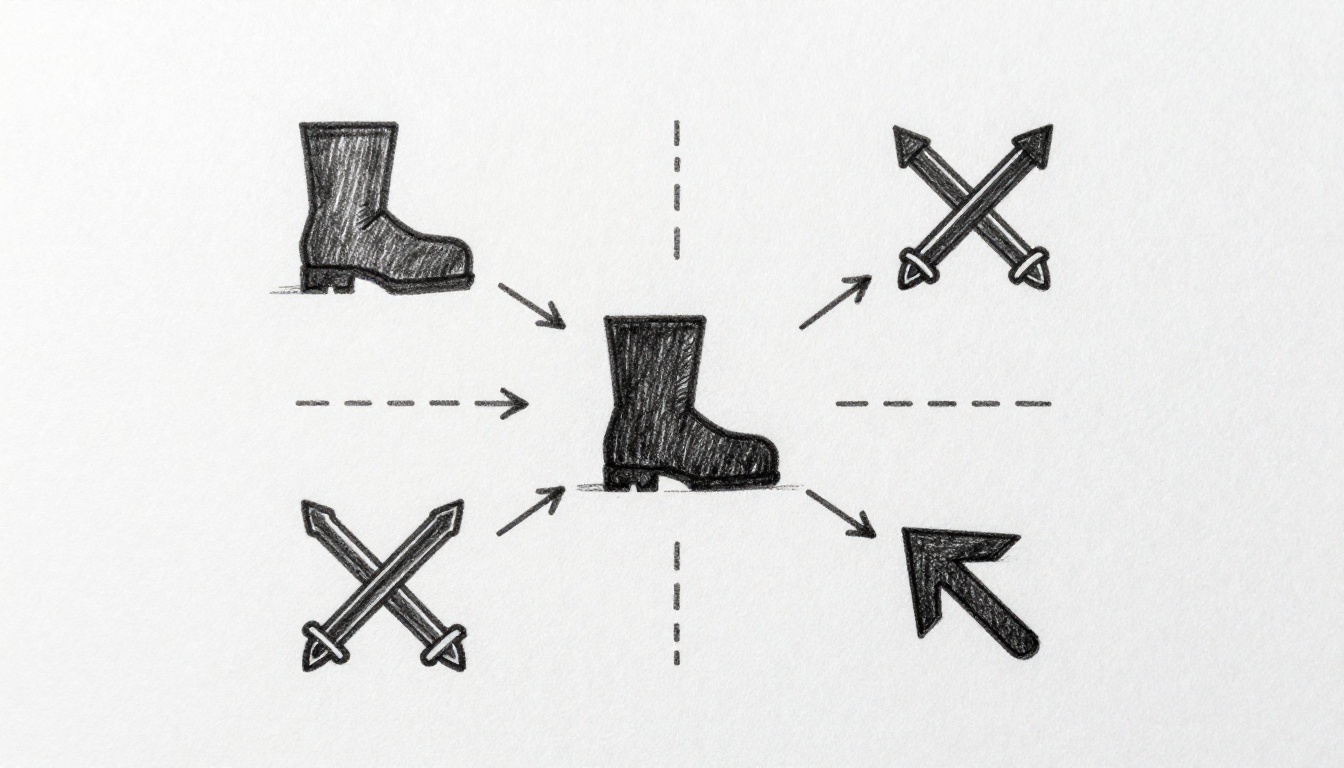
Picture this: you’re deep in a game, heart pounding as you sneak past enemies. Then one spots you. It charges in a straight line, ignores cover, and repeats the same attack. Frustration hits. That predictable AI kills the thrill.
You’ve felt it too. Boring enemies make games flat. Finite State Machines (FSM) fix that. They let AI switch behaviors based on game events. An enemy patrols until it sees you, then chases. Close enough? It attacks. Low health? It flees.
This guide shows you how. We’ll cover FSM basics, design enemy states, code it step by step with simple pseudocode, and share pro tips. No prior AI knowledge needed. You’ll build smarter enemies that feel alive. Game devs and hobbyists, get ready to level up your projects.
Unlock the Power of Finite State Machines for Smarter Game AI
Finite State Machines keep AI simple yet effective. Think of them as a switchboard. The AI stays in one state at a time, like “patrol” or “attack.” Events trigger switches to new states.
A traffic light works the same way. Red means stop. Green means go. A timer flips the state. FSMs do this for enemies. States define what the AI does right now. Transitions move it based on conditions.
Key parts include states, transitions, events, and actions. States hold the current behavior. Transitions link states with rules. Events spark changes, like “player nearby.” Actions run during a state, such as moving or shooting.
FSMs beat messy if-else chains. Those grow tangled fast. FSMs stay clean. You debug easier because states show exactly what’s happening. Add enemies without chaos.
Take Pac-Man ghosts. Each has states like scatter, chase, and frightened. They switch on timers or player position. That creates patterns players learn and counter. Your AI can do the same.
FSMs scale well for action games. Multiple enemies share the same machine. Tweak one, update all. Organization wins.
Core Building Blocks Every FSM Needs
States form the foundation. Each one matches a behavior, such as idle or chase.
Transitions connect them. A condition, called a guard, checks if the switch happens. Player in sight? Go to chase.
Events kick off checks. Distance updates or health drops count as events.
Actions execute in states. Patrol state might move left then right. Attack fires bullets.
These blocks fit together tightly. No overlaps. Each piece has one job.
Why FSM Shines for Enemy AI Over Other Methods
FSMs suit beginners best. Set up fast. Prototype in minutes.
Behavior trees handle complex choices better. But they confuse new coders. Simple scripts work for one behavior. FSMs manage sequences smoothly.
Pros stand out. Visual debugging shines; draw states on paper. Modules let you swap behaviors. Groups of enemies run identical FSMs without extra code.
Downsides exist. Too many states clutter things. Hierarchies solve that. Still, FSMs fit most 2D shooters or platformers perfectly.
Design Killer Enemy Behaviors Using FSM States
Start with your enemy. Say a zombie in a survival game. It needs clear states. Patrol keeps it moving. Spot the player? Chase kicks in.
Map events to transitions. Sight range under 20 units triggers chase. Health below 30% sends it to retreat. Death removes it.
Keep states focused. Five to seven max for starters. More leads to bugs. Balance makes fun; too aggressive frustrates players.
Players engage more. Smart zombies force tactics. Hide, flank, or fight. Dynamic fights emerge.
A state diagram helps. Patrol box arrows to chase on “player sighted.” Chase arrows to attack if “in range.” Retreat if “low health.” Loops back as needed.
Test mentally. Player hides; zombie patrols again. Feels natural.
Essential States for Your First Enemy AI
Idle waits for inputs. Zombie stands still, scans around.
Patrol follows a path. Back and forth on a line.
Chase pursues the player. Moves toward last seen spot.
Attack deals damage. Melee swing or ranged shot.
Retreat runs from player. Heads to cover or spawn.
Dead cleans up. Removes the zombie, drops loot.
Inputs drive them. Distance checks for chase. Health for retreat.
Crafting Smart Transitions That Feel Alive
Transitions need logic. If distance less than 10 and health over 20%, enter chase. Else, patrol.
Priorities matter. Attack trumps chase if in range.
Fallbacks prevent gaps. No condition met? Stay put.
Text flowcharts clarify:
- Patrol: If sighted, chase. Else patrol.
- Chase: If range < 5, attack. If health < 30, retreat. Else chase.
- Attack: If out of range, chase. On hit, continue.
This creates responsive AI. Zombies react without stupidity.
Code Your FSM Enemy AI Step by Step
Time to code. We’ll use pseudocode. Fits any engine like Unity or Godot. Assume a game loop with Update().
First, define states with an enum.
enum EnemyState {
    IDLE,
    PATROL,
    CHASE,
    ATTACK,
    RETREAT,
    DEAD
}
Class holds it all.
class EnemyFSM {
    EnemyState currentState = EnemyState.IDLE;
    float health = 100;
    Vector2 playerPos;
    float distanceToPlayer;
    PatrolPath patrolPath;

    void Update() {
        distanceToPlayer = DistanceTo(playerPos);
        switch (currentState) {
            case IDLE:
                HandleIdle();
                break;
            case PATROL:
                HandlePatrol();
                break;
            // Add others
        }
    }
}
Each handler checks transitions.
Setting Up the FSM Structure in Code
Build methods per state.
void HandlePatrol() {
    MoveAlong(patrolPath);
    if (distanceToPlayer < 20) {
        currentState = EnemyState.CHASE;
    }
}

void HandleChase() {
    MoveToward(playerPos);
    if (distanceToPlayer < 5) {
        currentState = EnemyState.ATTACK;
    } else if (health < 30) {
        currentState = EnemyState.RETREAT;
    }
}

void HandleAttack() {
    FireAt(playerPos);
    if (distanceToPlayer > 5) {
        currentState = EnemyState.CHASE;
    }
}
Init sets patrol path. Update calls every frame. Transitions happen inside handlers.
Add retreat and dead similarly. Retreat moves away. Dead sets inactive.
Integrate in your game object. Call Update in the loop.
Testing and Tweaking Transitions Live
Log changes. Print “Entering CHASE” on switch.
Visualize in editor. Color sprites by state.
Common bugs: Multiple transitions fire. Add return after first switch.
Stuck states? Check conditions. Player too far? Add timeouts.
Tweak ranges live. Playtest chases feel right at 15 units, not 20.
Pro Tips to Avoid Pitfalls and Scale Your FSM AI
Stack states for combos. Chase contains attack sub-state.
Hierarchies nest machines. Main FSM calls sub-FSMs.
Optimize for crowds. Share paths. Update less often far enemies.
Edge cases matter. Player invisible? Fallback to patrol.
Unity has Playmaker. Godot scripts mimic FSMs easy.
Multiplayer syncs states over network. Simple because finite.
Experiment. Add random to patrols. Enemies surprise more.
Fixing the Top Mistakes Newbies Make
Missed returns cause double transitions. Always return after ChangeState().
Hardcode values. Use variables for ranges. Easy tweaks.
No cooldowns. Attacks spam. Add timers.
Infinite loops. Health zero but no dead check. Add explicit if (health <= 0) dead.
Overlapping guards. Chase and attack both true. Prioritize with else if.
Fix with clean if-else chains in handlers.
FSMs transform dull enemies into threats. You grasp the basics now: states define behaviors, transitions react smartly, code stays readable.
Build one today. Copy the pseudocode, plug in your game. Tweak for your zombies or robots.
Share your results in comments. What states did you add? Subscribe for advanced AI like behavior trees next.
Imagine hordes that adapt. Your games hook players longer. Start coding.